How To Sync Your Family Tree With Ancestry?

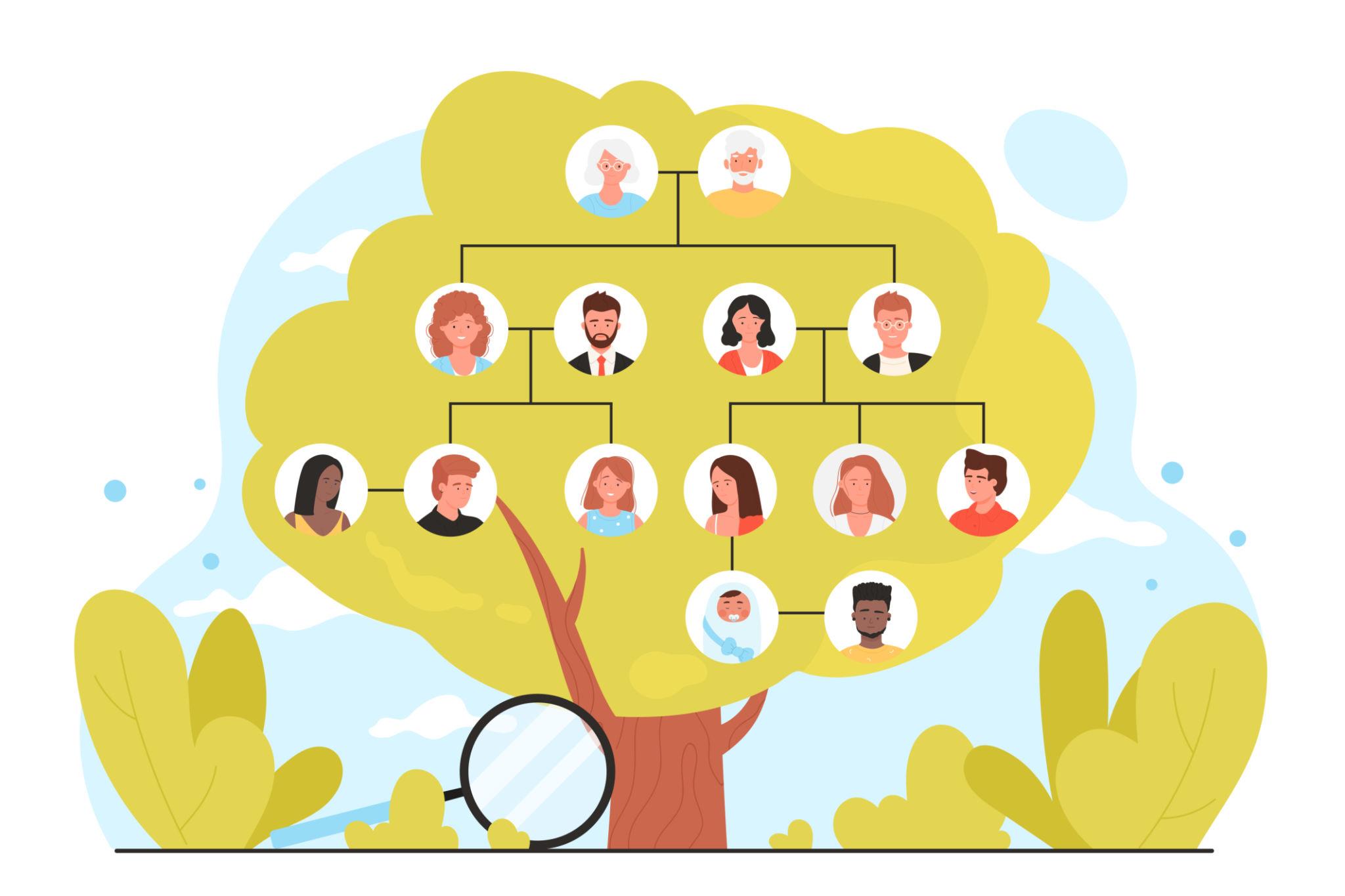
Family tree illustration showing connected family members

Family Tree Sync With Ancestry If you have a tree on family tree maker and want to sync it then you have two option to do this. One is automatic and second is manual. You can set your sync options during the first time. This article will help you to learn how to sync your … Read more

Family Tree Maker Printing Process From Ancestry

Ancestry is one of the most popular genealogy programs that is used by people. People make their family tree on ancestry and print it to decorate their home. In this detailed guide, we will talk about how to print a family tree from ancestry. Getting Started: Printing Family Tree From Ancestry Check the given instructions … Read more

How to Move your FTM Source Tree between Two Computers?

When moving your FTM Source tree from one computer to another using TreeVault Cloud Services, you must ensure the tree keeps updating your TreeVault Antenna tree on the other machine. This article explains how to use a USB flash drive to move your FTM Source tree between machines and reconnect it to your antenna tree. … Read more

Charts and Reports in Family Tree Maker 2019

Family Tree Maker 2019 is a powerful tool for genealogical documentation and organization. It offers a variety of features that allow users to create various charts and reports to visualize and analyze their family history. Whether you are just beginning your research or have extensive genealogy records, FTM 2019 provides user-friendly tools to document, track, … Read more

MacOS Ventura Compatibility for Family Tree Maker

Are you a Family Tree Maker user running MacOS Ventura? you’re in luck. FTM runs smoothly in Mac OS Ventura, if you are still using FTM 2019 or earlier, you will want to update your software to ensure you have the latest performance. Regular updates of the software will ensure that FTM works smoothly on … Read more

TreeVault Cloud Service In FTM 2019 (Easy Steps)

Family Tree Maker Software has launched a new service called TreeVault Cloud Service. In September 2019, MacKiev debuted FTM2019 and offered a year of free cloud service. A typical cloud storage system is not what the Cloud service provides. It’s not the same as iCloud, DropBox, or Google Drive. If your computer crashes or is … Read more

How to Create a TreeVault Antenna Tree?

Do you want to create a TreeVault Antenna tree? For the guided steps, go through the page. The easy methods to develop an Antenna tree in FTM 2019 are provided here. Proceed and contact tech support for prompt assistance and a solution if you have any issues with the antenna tree. In the Family Tree … Read more

Match Person with FamilySearch in Family Tree Maker 2019

Family Tree Maker provides the capability to link your family tree with FamilySearch, a large online genealogy database. Matching individuals in your FTM tree with FamilySearch records enables you to confirm information, search through historical documents, and add depth to your family history research. The feature helps to ensure accuracy and add depth to your … Read more

Orange Sync Weather Issues in FTM

Users have been complaining to us about sporadic sync difficulties. We have placed the note below in the sync weather report as guidance. We will update this message as soon as we have taken steps to resolve the issue. You might not have an option but to wait till the issue has been fixed if … Read more

Family Echo Login & Logout Process – (Simple Steps)

Family Echo is a free online family tree maker that allows you to create and share your family tree. Family Echo is a valuable tool for preserving and exploring your family heritage. This post will be helpful if you consider making a free family tree. In this post, we will walk you through the Family … Read more